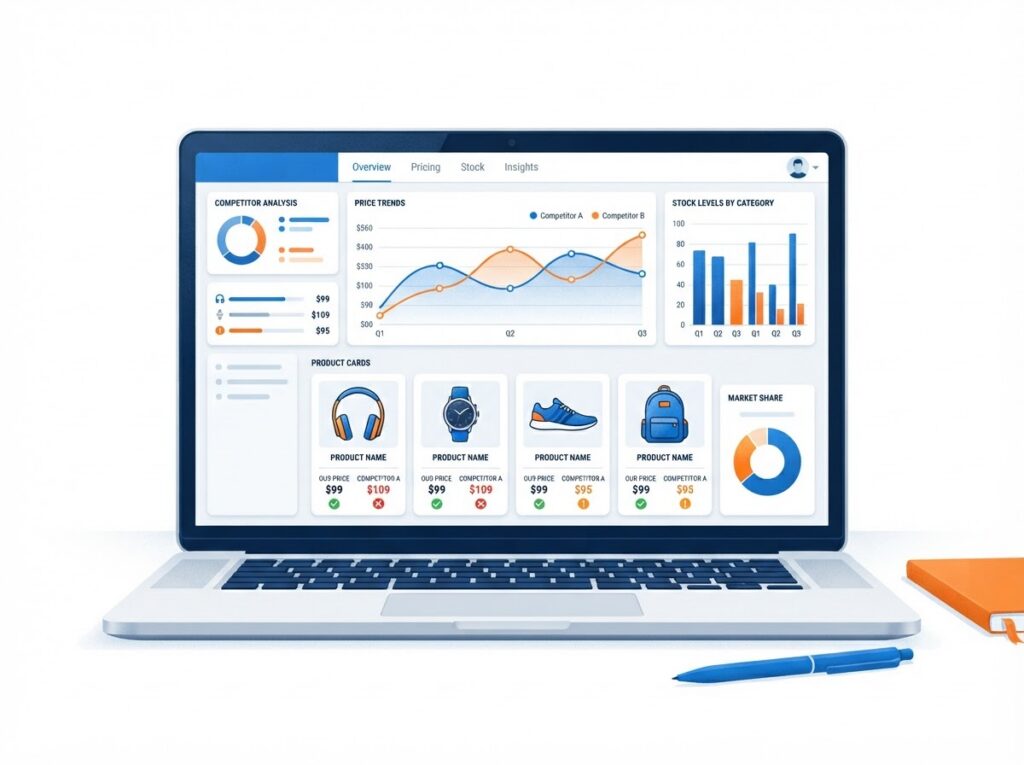
Suppose two stores list what looks like the same high-end espresso machine, and one shows a lower price. Before changing your price, check the details. The cheaper listing might be an older model, carry an extra shipping charge, or say “ships in six weeks” in small text. Manual checks work for a few products. Repeating them across a catalog takes more time. Web scraping collects selected information from web pages into structured records, such as spreadsheet rows with prices, stock wording, and capture times. For ecommerce teams and the developers or agencies supporting them, it can make competitor research repeatable across a growing catalog. This guide compares five tools, then covers what to collect and how to turn verified observations into store decisions.
TL;DR
- Pick a managed scraping API if someone can connect it to a sheet, or a no-code tool if nobody can.
- Collect comparable public fields, such as price, currency, variant, stock wording, and advertised delivery, and date every observation.
- Match identical models and variants before treating any price gap as meaningful.
- Validate a small sample and save source URLs and errors before scheduling regular collection.
- Use verified findings to investigate pricing, assortment, and product pages rather than copying competitor prices.
What to look for in a competitor research scraping tool
Compare tools by the coding required, how they handle blocking and anti-bot protections as collection grows, whether they return page content or extracted fields, scheduling and export options, billing units, and maintenance responsibilities. Some tools offer managed page requests and parsed output for supported sites; others offer no-code, template-based, task-based, or structured-endpoint workflows. The tools below weren’t benchmarked against one another for this article, so test your shortlist on your own target pages. Tool Coding needed Output Schedule and export Entry price (USD) Your responsibilities Scrape.do Some, for API calls Page content, or parsed JSON for supported sites Configured automation, such as n8n to Google Sheets USD 29 per month, Hobby on monthly billing; 1,000 free monthly credits available Field extraction where needed, product matching, storage Browse AI None Extracted fields Google Sheets integration USD 48 month-to-month, Personal; USD 19 per month billed annually Field validation, credit monitoring Apify Low to some Depends on the Actor Manual, API-triggered, or scheduled runs USD 19 per month, Starter, including USD 19 of usage; extra usage billed separately Actor selection, maintenance, run costs ScraperAPI Some, for API calls Parsed JSON through endpoints for specified targets Configured automation USD 49 per month, Hobby on monthly billing Coverage checks, credit monitoring Octoparse None for templates; task setup in a desktop app Extracted fields Scheduled cloud runs on Standard USD 83 per month, Standard on monthly billing; USD 69 per month billed annually Task setup, template checks, field validation
5 best web scraping tools for ecommerce competitor research
1. Scrape.do
Best for: Ecommerce data teams, agencies, and developers running high-volume collection against sites with anti-bot protections.
Scrape.do works as scraping infrastructure. Its documentation describes automatic proxy rotation, anti-bot and CAPTCHA handling, and optional JavaScript rendering, while Ready APIs return parsed JSON for supported sites such as Amazon and Google Shopping. Credits are charged for successful responses rather than failed ones.
Pricing: Hobby costs USD 29 per month, and the free plan includes 1,000 monthly credits.
Keep in mind: Sites without a Ready API return page content, so plan field extraction and product matching.
2. Browse AI
Best for: Store owners and marketers without developer support.
Browse AI extracts selected fields from web pages without code and sends them to Google Sheets through a built-in integration. It fits monitoring a defined set of competitor pages where the fields you need appear in a consistent layout.
Pricing: Personal costs USD 48 month-to-month or USD 19 per month billed annually, and the free plan includes 50 monthly credits and two websites.
Keep in mind: Test it against your target pages and track credit use during the pilot.
3. Apify
Best for: Teams that want repeatable, scheduled tasks built on ready-made programs.
Apify runs Actors, its term for runnable programs, and many are available in Apify Store. Actors can run manually, through an API, or on a schedule, and integrations can notify another system when a run succeeds or fails.
Pricing: Starter costs USD 19 per month, including USD 19 of usage, with pay-as-you-go charges beyond that, and the Free plan includes USD 5 of monthly usage.
Keep in mind: Actor selection, maintenance, and cost tracking remain your responsibility.
4. ScraperAPI
Best for: Research focused on supported marketplaces and search results.
ScraperAPI offers structured-data endpoints that return parsed JSON for supported targets, including Amazon, Google, and Walmart, alongside a general scraping API for other pages. Its structured endpoints suit teams that want named fields without writing their own parsers.
Pricing: Hobby costs USD 49 per month on monthly billing and includes 100,000 API credits.
Keep in mind: Coverage is target-specific, so confirm your pages and fields are supported before scheduling larger runs.
5. Octoparse
Best for: Owners who prefer a desktop app or ready-made templates over API calls.
Octoparse lets you build custom tasks in its desktop app, and its Template Gallery offers prebuilt scrapers for some sites. The Standard plan adds scheduled and recurring runs on Octoparse Cloud, so collection doesn’t depend on your own computer staying on.
Pricing: Standard starts at USD 83 per month on monthly billing or USD 69 per month billed annually, and the Free plan includes 10 saved tasks.
Keep in mind: Check that a template matches your target pages and review extracted fields before scheduling.
Decide what competitor data is worth collecting
Choose a decision. Start with a question you would act on: “Are we priced above our closest rivals on our best-selling models?” or “Do competitors promise faster delivery on the same brand we stock?” Choose stores whose products and customers overlap with yours, rather than whoever ranks above you in search. A broader competitor analysis of traffic, keywords, and ads can help you build that shortlist. Match products carefully. Record the brand, model, and manufacturer part number or GTIN where available, plus the variant, such as finish, size, or bundle. Compare identical models and variants before interpreting a price gap. Google’s product structured-data documentation identifies price, availability, ratings, and shipping information as observable attributes, though every page won’t expose every field. Build the sheet. Use columns for competitor, source URL, capture time with timezone, brand, model or product identifier, variant, price, currency, exact stock wording, advertised delivery, shipping conditions, and collection status. Status values might include “ok,” “missing field,” or “error.” Keep the product-page price separate from any checkout-confirmed total. Record unseen charges as “unknown.” Google Merchant Center requires merchants’ submitted prices and currencies to match their landing and checkout pages; that requirement doesn’t authorize competitor scraping. For your research, use the same market, currency, and delivery location throughout the pilot so location differences don’t distort comparisons.
Build a small, repeatable collection workflow
1. Check access. Read the target site’s terms, robots.txt file, licensing notes, and access restrictions, and consider applicable law. Google describes robots.txt as a crawler-access instruction file; it isn’t a complete permission or legal compliance test. A tool’s proxy rotation or CAPTCHA handling doesn’t grant permission to work around restrictions. If a site prohibits your planned collection, leave it out.
2. Test one page. Send a public product URL through your chosen tool. A generic response contains page content that still needs field extraction; a supported structured endpoint returns named fields. An automation tool such as n8n can chain a trigger, HTTP request, field extraction, Google Sheets export, testing, and optional scheduling. Someone still needs to configure those steps and map the fields to spreadsheet columns.
3. Validate different page conditions. Check a page with a known price, a variant page, an out-of-stock page, and a missing or error page. Never turn an empty price into zero or a failed request into “out of stock.” If your tool reports credit use in a response header or dashboard, check it alongside the returned content. A chargeable response may still lack a usable product record.
4. Save a dated record. Append each observation with its source URL, capture time and timezone, currency, and collection status. Keep earlier rows so you can compare changes over time.
5. Schedule collection and review. A weekly pilot is a possible starting point, not a universal requirement. Increase frequency only for a defined business need and within the site’s permitted access limits. Assign someone to review errors and verify changes before acting.
Turn verified changes into store decisions
The examples below are hypothetical. Product pages reveal what competitors display, not their revenue, sales volume, margins, or reasons for changing stock status. Observation Verify first Possible response A competitor shows a lower advertised price Identical variant, currency, seller, shipping conditions, and capture time Review your bundle, delivery promise, or payment options before changing price A competitor’s stock wording changed Whether the page changed, a different variant was selected, or extraction failed Check your availability and whether the item deserves more visibility Reviews repeat a delivery or product-information complaint Same product and a recurring theme across reviews Improve your product details or delivery messaging To calculate a price gap as a percentage of the competitor’s price, use ((your price – competitor price) / competitor price) × 100. Compare equivalent prices, including the same treatment of visible shipping charges. The result doesn’t reveal either store’s margin. Before using a price gap as a signal, choose comparable competitors and verify that product variants match. Treat stock changes as prompts to investigate availability or merchandising, not evidence of sales. Shopify’s market-research guidance recommends examining competitor reviews for gaps between product positioning and customer experience. Record recurring themes about delivery or product information rather than reviewer identities. Keep an action log with finding, evidence and capture time, owner, next check, and proposed test. If you pilot with an API’s free credits or a no-code free plan, track usable records and collection costs before estimating the budget for a larger run.
Final thoughts
Competitor research becomes useful when each observation is comparable, dated, and verified before anyone acts on it. Start with one decision, a short list of overlapping competitors, and a sheet that records price, variant, stock wording, delivery, and collection status. Pick the tool that matches the skills on your team, test it against real page conditions, and review results on a set schedule. Over time, the dated record shows how competitor offers change and where your own pricing, product pages, or delivery promises need attention.
FAQ
Do I need coding skills?
Not necessarily. Browse AI’s Google Sheets integration and Octoparse’s templates support no-code extraction. A scraping API returns page content, or parsed JSON for supported sites, and automation tools such as n8n can handle the extraction and export steps you or a helper would configure.
How often should I collect competitor data?
Choose a schedule that supports a specific decision and respects the site’s access limits. A weekly pilot can help you assess whether more frequent collection would change what you do.
What does a missing price mean?
It may reflect an extraction failure, page redesign, unavailable variant, or a page that never displayed a price. Check the source page, leave the price unknown until verified, and record collection errors separately from stock status.

Trevor Fenner is an ecommerce entrepreneur and world traveler from Seattle, Washington, and the founder of Ecommerce Paradise, a platform focused on helping entrepreneurs build and scale profitable high-ticket ecommerce and dropshipping businesses. With over a decade of hands-on experience, Trevor specializes in high-ticket dropshipping strategy, niche and product selection, supplier recruiting and onboarding, Google & Bing Shopping ads, ecommerce SEO, and systems-driven automation and scaling. Through Ecommerce Paradise, he provides free education via in-depth guides like How to Start High-Ticket Dropshipping, advanced training through the High-Ticket Dropshipping Masterclass, and fully done-for-you turnkey ecommerce services for entrepreneurs who want a faster, more hands-off path to growth. Trevor is known for emphasizing sustainable, real-world ecommerce models over hype-driven tactics, helping store owners build scalable, sellable, and location-independent brands.
He maintains homes in Seattle and Bali, spends most of the year overseas, and usually returns to Seattle for about a month each summer.