

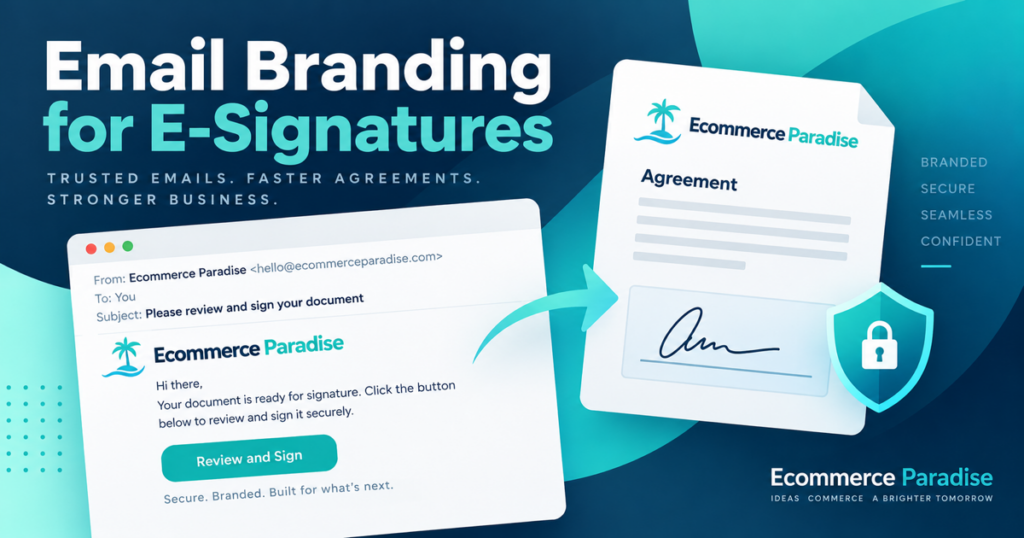
Email is an important part of modern business communication, particularly when companies send contracts, agreements, onboarding forms, and other documents for signature. Although the document receives most of the attention, the email introducing it also shapes the recipient’s experience. Businesses that customize email branding can create more consistent communication, help recipients recognize official requests, and make electronic signature workflows easier to understand.
A professional email should clearly explain who sent the document, why it requires attention, and what the recipient needs to do next. Consistent branding supports these goals by connecting digital paperwork with the company’s identity. When combined with clear instructions and appropriate security practices, branded emails can help businesses manage documents more efficiently.
Why Email Branding Matters for Electronic Signatures
Electronic signature workflows frequently involve customers, employees, suppliers, and external partners. These recipients may receive several document requests from different organizations, making it important for each message to provide clear context.
Building Recognition and Trust
Consistent email branding helps recipients associate a message with a familiar organization. A recognizable company logo, appropriate colors, and professional wording create a consistent experience across business communications.
For example, a real estate agency sending rental agreements can use a consistent presentation for its document requests. Tenants can more easily recognize correspondence associated with the agency, although they should still verify the sender before signing.
Making Signature Requests Easier to Understand
A well-written email should include:
-
A clear subject line: Explain the purpose of the document.
-
Sender identification: Make the organization or department recognizable.
-
A short explanation: Describe why the recipient is receiving the request.
-
Clear instructions: Explain whether the recipient should review, fill and sign, or approve the document.
-
Relevant contact information: Give recipients a way to ask questions when necessary.
These details reduce ambiguity and help recipients understand the next step without searching through lengthy messages.
How to Customize Email Branding Effectively
Email branding is more than placing a logo at the top of a message. It involves presenting document requests in a consistent, readable, and professional format.
Maintain Consistent Visual Elements
Businesses should use approved brand assets across their electronic signature communications. Depending on the available platform settings, these elements may include a company logo, button colors, logo placement, and a custom footer.
Organizations should prioritize readability over decoration. Large images, excessive colors, and unnecessary promotional language can distract recipients from the document itself.
Use Clear and Relevant Messages
Email content should reflect the type of document being sent. An employment agreement requires different wording from a property contract or a healthcare consent form.
For example, an HR department might write:
-
Subject: Employment Agreement for Review
-
Message: Please review the attached employment agreement and complete the signature process after checking the terms. Contact the HR team if you have questions about the document.
This structure explains the purpose of the request without making unsupported promises or pressuring the recipient to sign.
How SignNow Email Branding Supports Business Communication
SignNow provides email branding options for organizations that want their signature-related communications to reflect their identity. Its official guidance describes customization options such as adding a company logo, adjusting its position, changing button colors, and including a custom footer.
Reviewing and Applying Branding Settings
Organizations can review their available email customization settings and determine which options suit their workflows. Administrative access may be required to make organization-level changes.
A practical implementation process includes the following steps:
-
Review the organization’s branding: Gather the approved logo, colors, and footer text.
-
Open the available administrative settings: Locate the email customization options.
-
Adjust the presentation: Configure supported visual elements to match the company’s communication style.
-
Preview the result: Check how the email looks before applying changes.
-
Send a test email: Confirm that the message is readable and that its content is accurate.
-
Apply and review: Make the approved changes active and periodically check the recipient experience.
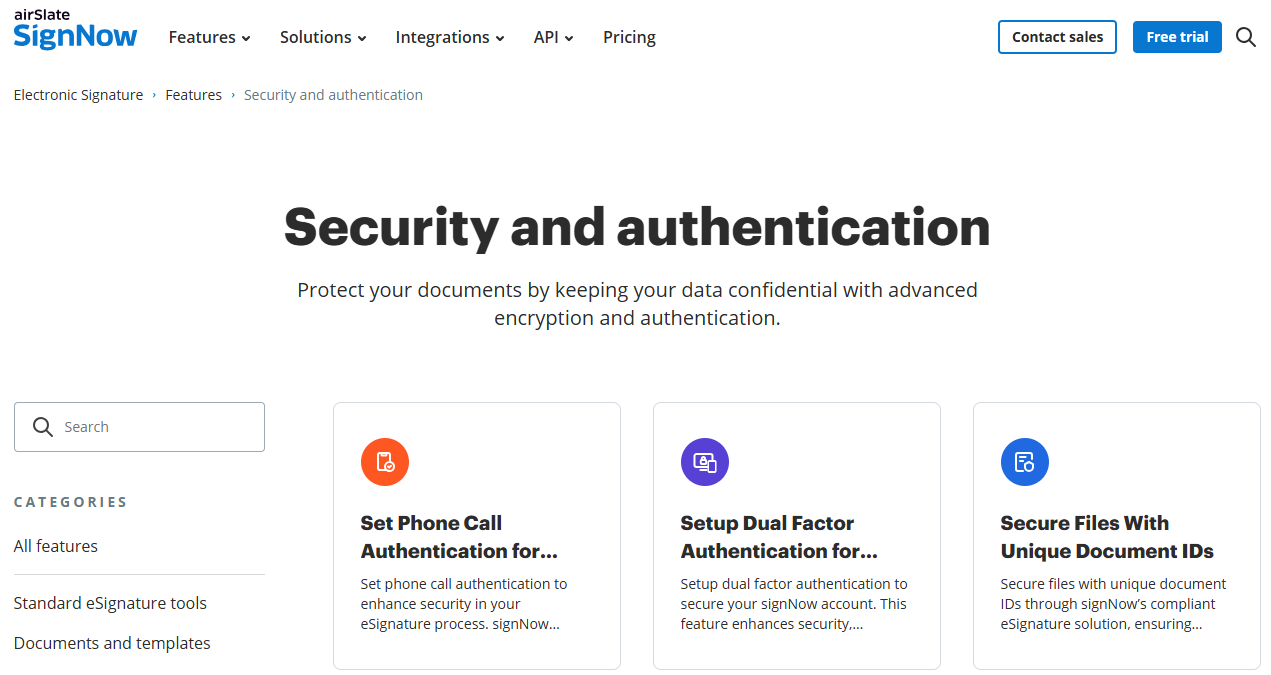
The exact options available may depend on the organization’s account and permissions, so administrators should verify which settings are accessible to them.
Practical Uses Across Different Industries
Email branding can support document workflows in several industries. The most useful approach depends on the type of document, the recipient, and the information that needs to be communicated.
Real Estate and Property Management
Real estate professionals send lease agreements, property management contracts, and other transaction documents. A consistent email format helps tenants, buyers, and property owners identify the organization handling the paperwork.
For example, a property manager sending a lease renewal can explain the rental period covered by the agreement and ask the tenant to review the terms before signing.
Healthcare and Patient Administration
Healthcare organizations may use electronic signatures for consent forms and administrative paperwork. Email messages should identify the organization clearly without exposing unnecessary sensitive information.
Teams handling protected health information must also consider applicable HIPAA requirements. A business associate agreement (BAA) is required where applicable to the relevant service relationship. Branding itself does not establish HIPAA compliance.
Human Resources and Employee Onboarding
HR departments regularly send employment agreements, policy acknowledgments, and onboarding forms. Standardized email templates can help employees understand which documents require attention and whether additional steps remain.
A consistent process can also help HR teams maintain clear communication when coordinating with employees, hiring managers, and other departments.
Finance and Legal Services
Financial and legal professionals send agreements, authorizations, and engagement documents that may require careful review. Branded messages can make these requests recognizable, while precise wording helps recipients understand the document’s purpose.
|
Industry |
Common documents |
Email branding priority |
|
Real estate |
Lease agreements and property contracts |
Identify the transaction and sender |
|
Healthcare |
Consent forms and administrative documents |
Protect privacy and explain the request |
|
Human resources |
Offer letters and onboarding forms |
Provide clear completion instructions |
|
Finance |
Financial agreements and authorizations |
Maintain clarity and professional communication |
|
Legal services |
Engagement letters and legal agreements |
Identify the matter and encourage careful review |
Security and Compliance Considerations
A professional-looking email is not proof that a signature request is legitimate. Organizations should combine branding with appropriate security controls and recipient awareness.
Protect Documents and Verify Senders
SignNow lists the following security measures among its verified capabilities:
-
TLS 1.2/1.3 for data in transit.
-
AES-256 encryption at rest.
-
Audit trails.
-
Two-factor authentication.
Each measure serves a different purpose, and no single control eliminates every security risk. Organizations should also review sender details, limit access to authorized users, and train employees to recognize unexpected or suspicious requests.
Understand the Relevant Legal Requirements
In the United States, the ESIGN Act and the Uniform Electronic Transactions Act (UETA) are important legal frameworks for electronic records and signatures. Their application depends on the transaction and relevant legal requirements.
Organizations should evaluate their industry-specific obligations before adopting a workflow. Email branding can improve consistency, but it does not independently guarantee legal validity or regulatory compliance.
Measuring the Results of Email Branding
Businesses should evaluate whether their branded emails improve communication rather than judging success solely by appearance.
Track Practical Workflow Indicators
Useful measurements include:
-
The time between sending a document and receiving a signature.
-
The percentage of documents completed.
-
The number of reminder messages required.
-
The frequency of recipient questions about unclear instructions.
-
Feedback from employees and customers.
These indicators help identify areas for improvement. For example, frequent questions about a document’s purpose may indicate that the opening message needs clearer wording.
Review Templates Regularly
Organizations should periodically check their email templates for outdated instructions, inconsistent branding, and display problems on mobile devices. Changes to company identity or internal processes should also prompt a review.
<text color="secondary" size="sm">Screenshot placement 3: If available, insert a genuine screenshot of the official SignNow email preview or test-email interface. Caption: “Previewing a branded email helps administrators check its appearance before applying changes.” Alt text: “SignNow email branding preview used to review a customized email before publication.”</text>
Frequently Asked Questions
1. What is email branding in electronic signature workflows?
Email branding means adapting the presentation of signature-related emails to match an organization’s identity. Depending on the platform, this may include a company logo, button colors, logo placement, and footer text. These elements help make document requests more consistent and recognizable.
2. Why should businesses customize their signature request emails?
Consistent branding can help recipients identify business correspondence and understand the purpose of a document request. Clear instructions may also reduce confusion about the next step. However, recipients should still verify unexpected messages because branding alone cannot confirm that an email is authentic.
3. Can SignNow email branding be customized?
SignNow’s official guidance describes options for adding an organization logo, adjusting its position, selecting button colors, and adding a custom footer. Available settings and administrative permissions may vary. Organizations should check their account settings to confirm which customization options they can use.
4. Does email branding make electronic signatures legally valid?
No. Branding does not independently establish legal validity. Electronic signatures are evaluated under applicable laws and the circumstances of the transaction. Businesses should understand relevant requirements, maintain appropriate records, and use suitable procedures for handling important agreements.
5. How can businesses improve the security of branded signature emails?
Businesses should combine consistent branding with sender verification, appropriate authentication, secure document handling, and employee training. Recipients should review unexpected requests carefully before signing or sharing information. Organizations should also evaluate their legal, privacy, and security obligations when selecting an electronic signature workflow.
6. How often should companies review their email branding?
Companies should review their templates when their branding, document processes, or communication requirements change. Periodic testing can identify outdated instructions, inconsistent presentation, and display problems. Reviewing recipient feedback and document completion patterns can help teams prioritize useful improvements.
Branded Email Helps, but Clear Identity Matters More
Customers and suppliers receive plenty of messages that look official. A logo alone does not make a signature request trustworthy. The message should come from an expected domain, name the sender, explain why the document is being sent, and give the recipient a way to verify the request before they sign.
Keep the request focused. One sentence of context, one clear action, and one contact route are normally enough. Long explanations and generic urgency make it harder for people to tell a legitimate request from a risky one.
A Reliable Signature-Email Checklist
- Use a recognizable sender name and company domain.
- State the document name and the reason the recipient is receiving it.
- Tell the recipient what action is required and any deadline that genuinely applies.
- Use a support address or contact path that a real person monitors.
- Do not ask recipients to provide sensitive information by email if the signature process has a secure form.
- Test the message on desktop and mobile before making it a template.
The FTC’s guide to protecting personal information offers a practical baseline for business data. For web accessibility principles that also improve readability, see the Web Content Accessibility Guidelines.
Electronic signature rules can depend on the document and jurisdiction. The Electronic Signatures in Global and National Commerce Act is a useful US starting point, but it is not a substitute for legal advice.
Bring the Same Clarity to Your Store Operations
Clear supplier and partner communication starts before the first document is sent. Use our supplier sourcing guide to prepare a professional process.
The high-ticket niches list can help you identify categories where customers expect more detail and more trust signals.
Our high-ticket dropshipping guide shows how operational quality supports the higher-ticket model.
Before you collect more customer or supplier information, use the business formation checklist to tighten the basic foundation.
Find more practical operator resources at Ecommerce Paradise. If you want help implementing a professional customer and supplier experience, my coaching is available.
Create and Govern a Small Set of Email Templates
Most businesses need only a few signature-email templates: a standard request, a reminder, a corrected-document note, and a completed-copy message. Give each template a specific use case, a named owner, and a review date. That is safer than allowing every sender to edit the wording independently.
Keep the subject line descriptive. “Please review and sign: [document name]” is clearer than a generic urgent message. In the body, identify the sender, explain the purpose, and direct the recipient to the secure action. If a request is legitimate but unexpected, include a contact method on the company domain.
Test deliverability as well as design. Send the template to common mailbox providers, test it on mobile, and make sure reply-to addresses route to a real team member. Broken support routes can make a legitimate request look suspicious.
Review Results and Recipient Questions
Look at completion time, reminder volume, common questions, and emails that bounce. If a particular template produces repeated confusion, update the instructions or the underlying document. If a recipient says they do not recognize the request, check the identity and timing before simply resending it.
For a growing ecommerce business, consistent email branding should support a reliable document process, not conceal a weak one. Clear information, secure access, and a responsive human contact are what make the experience trustworthy.
Make the Sender Easy to Verify
A recipient should be able to confirm a signature request without relying on the logo alone. Use a sender name they recognize, a company-controlled domain, a plain explanation of the document, and a support route that reaches a real person. These details reduce uncertainty when an important agreement arrives unexpectedly.
Keep the branding consistent with the rest of the journey. The company name, domain, colors, and customer-support information should match the order, supplier, or account context that led to the request. A polished email with mismatched contact details creates more suspicion, not more trust.
Do not use urgency as a substitute for clarity. If a deadline is real, state the date and explain why it matters. If there is no deadline, do not imply one. A recipient who understands the request is more likely to complete it correctly and less likely to contact support for confirmation.
Review the Message as a Customer Would
Send a test request to a device outside the team that built it. Check the subject line, sender display name, mobile layout, link destination, and reply path. Make sure an email reply is monitored and that a recipient can get help without searching the website.
Use completion time, reminder volume, questions, bounces, and reported suspicious messages as inputs to your review. If a particular request gets ignored or produces repeated questions, change the wording or the workflow before adding more reminders. The point of email branding is to make a real process easier to recognize and use.
For high-value orders and supplier agreements, this review belongs alongside the document review. The email is often the first thing the recipient sees. When it is clear, consistent, and supported by a real response process, it helps the business look organized without making claims it cannot support.
Keep the Promise After the Signature
The completion message matters too. Send a clear confirmation, explain where the recipient can find a copy, and direct them to the next operational step. This closes the loop and gives the recipient confidence that the request was legitimate and complete.
Check the Recipient Experience
Before sending a branded request at scale, test it on desktop and mobile with someone outside the workflow. Check the sender name, subject line, first screen, signing link, support route, and completion message. A document can be legally sound and still create avoidable friction if the recipient cannot tell what to do next or whether the request is genuine.

Trevor Fenner is an ecommerce entrepreneur and the founder of Ecommerce Paradise, a platform focused on helping entrepreneurs build and scale profitable high-ticket ecommerce and dropshipping businesses. With over a decade of hands-on experience, Trevor specializes in high-ticket dropshipping strategy, niche and product selection, supplier recruiting and onboarding, Google & Bing Shopping ads, ecommerce SEO, and systems-driven automation and scaling. Through Ecommerce Paradise, he provides free education via in-depth guides like How to Start High-Ticket Dropshipping, advanced training through the High-Ticket Dropshipping Masterclass, and fully done-for-you turnkey ecommerce services for entrepreneurs who want a faster, more hands-off path to growth. Trevor is known for emphasizing sustainable, real-world ecommerce models over hype-driven tactics, helping store owners build scalable, sellable, and location-independent brands.


