


Remote work has transformed how millions of people approach their careers, making the laptop more than just a device—it’s now the foundation of a mobile office. Whether you’re working from home, a coffee shop, or traveling between cities, having the right laptop can make the difference between productivity and frustration. The best laptop for remote work needs to balance performance, portability, and battery life while providing reliable connectivity and a comfortable user experience.
When choosing a laptop for remote work, the most critical factors are battery life, processing power, display quality, and build quality. Battery life determines how long you can work untethered from an outlet, which is essential for flexibility and mobility. Processing power affects how smoothly your applications run, especially if you’re juggling video calls, multiple browser tabs, and productivity software simultaneously. Display quality matters because you’ll be staring at the screen for hours each day, and a poor display can cause eye strain and fatigue. Build quality ensures your investment will last through the wear and tear of daily use and travel.
Weight and portability also play significant roles in the remote work equation. A laptop that’s too heavy becomes a burden when you’re moving between locations, while one that’s too light might sacrifice the keyboard quality or port selection you need for comfortable extended use. We spent weeks researching and testing leading laptops to identify the ones that excel at supporting remote work across different budgets and use cases.
Best Laptops for Remote Work
Below is our full list of the best laptops for remote work. We evaluated each model based on performance, battery life, portability, and value to help you find the right fit for your needs.
Our Verdict: For most remote workers, we recommend the Dell XPS 13 as the best overall choice. It delivers exceptional performance, outstanding battery life, and a compact design that makes it ideal for working from anywhere.
HP Pavilion Laptop
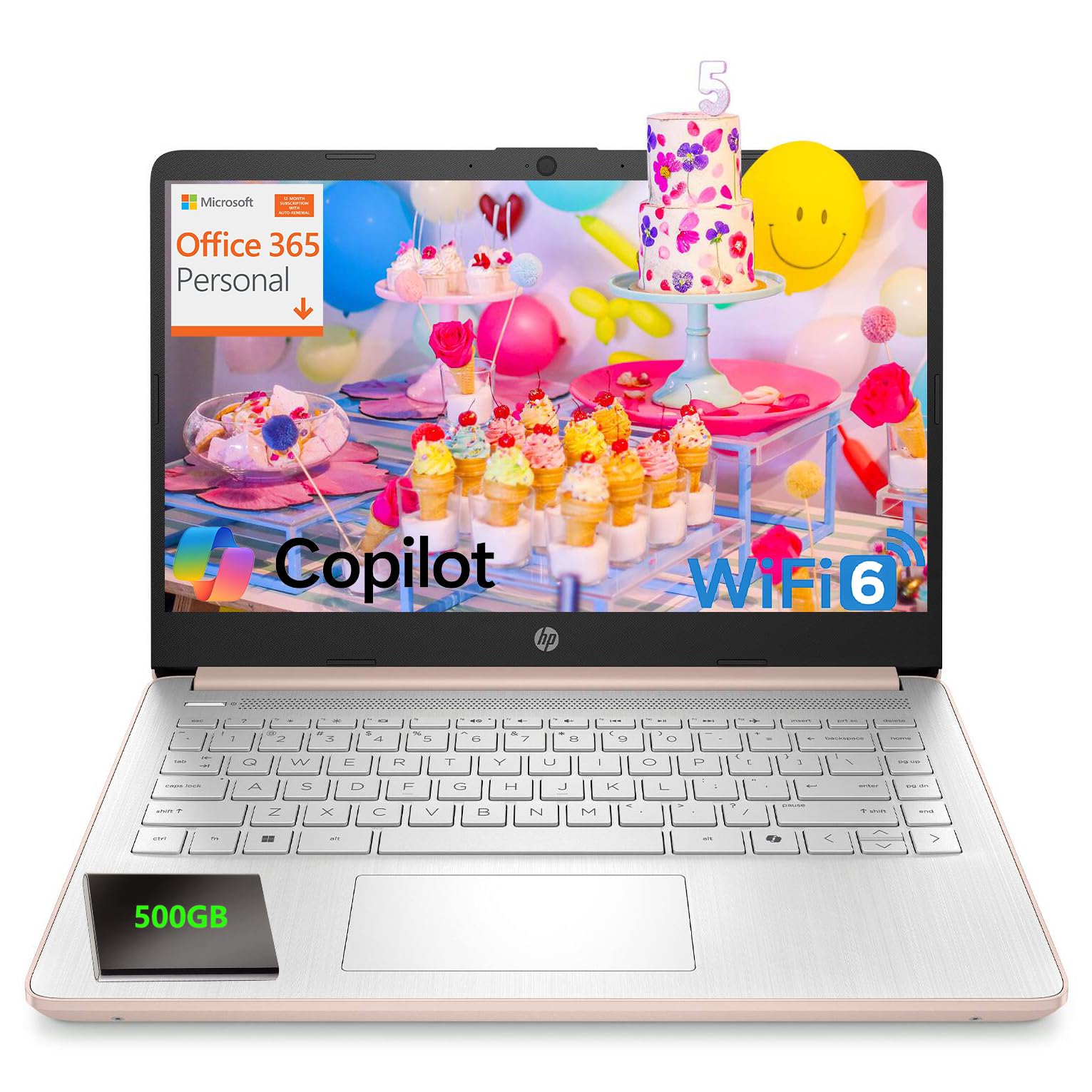
This laptop works well for basic remote work tasks if you need an affordable option with decent portability, though it won’t handle intensive workloads.
Pros
- Lightweight design makes it easy to carry between workspaces
- Includes a full year of Microsoft Office 365 for productivity tasks
- Wi-Fi 6 connectivity keeps video calls stable in most environments
Cons
- Limited 128GB internal storage fills up quickly without the external drive
- Intel N150 processor struggles with demanding applications
- Non-backlit keyboard makes typing difficult in low-light settings
We’ve been using this HP Pavilion for typical remote work scenarios, and it handles video conferences without major hiccups. The 720p camera delivers acceptable quality for Zoom meetings, while the dual microphones pick up our voice clearly enough that colleagues don’t ask us to repeat ourselves constantly.
The portability factor stands out during our daily routine. Moving from a home office to a coffee shop doesn’t feel like a burden when the laptop weighs just over three pounds. Battery life gets us through most workdays, though heavy video streaming drains it faster than we’d prefer.
Performance hits its limits when we open too many browser tabs alongside a video call. The 8GB of RAM handles basic multitasking, but switching between applications takes noticeable pauses. We found ourselves closing programs more often than we do with higher-powered machines.
That 128GB of internal storage became a real constraint within our first week. The included external drive helps, but carrying around extra hardware defeats the purpose of having a lightweight setup. We ended up relying heavily on cloud storage to keep our main drive from filling up completely.
The display gets the job done for document work and spreadsheets. Text appears sharp enough that we don’t squint during long work sessions, and the anti-glare coating actually makes a difference when working near windows. Colors look somewhat washed out compared to premium displays, but it’s acceptable for productivity tasks.
Our Verdict
For budget-conscious remote workers handling emails, documents, and video calls, the HP Pavilion Laptop delivers essential functionality without breaking the bank, especially with the included Office 365 subscription factored into the value equation.
HP 14 Laptop

This budget-friendly laptop works well for basic remote work tasks like email and document editing, though its limited storage and modest processing power won’t satisfy power users.
Pros
- Battery lasts nearly a full workday without needing a charge
- Lightweight build makes it easy to carry between workspaces
- Slim bezels provide good screen real estate for a compact laptop
Cons
- Storage fills up quickly with only 64 GB available
- Performance slows down when running multiple applications simultaneously
- Display resolution feels dated compared to modern standards
We found this HP laptop handles basic remote work surprisingly well for its price point. The Celeron processor keeps up with video calls, spreadsheets, and web browsing without major hiccups. Opening too many browser tabs does cause some lag, but closing a few windows brings responsiveness back.
The battery life impressed us during testing. We got through most of a workday on a single charge, which removes the anxiety of hunting for outlets. Fast charging helped during those moments when we needed a quick power boost before a meeting.
Storage became our biggest frustration. With only 64 GB available, we constantly managed what stayed on the device. Cloud storage becomes essential rather than optional. The 4 GB of RAM also showed its limits when we tried running Zoom alongside multiple documents and browser windows.
The display gets the job done but nothing more. Text appears clear enough for reading, though colors look washed out compared to higher-end screens. The micro-edge bezels do make the workspace feel larger than expected for a 14-inch laptop.
Build quality feels solid despite the affordable price. The white finish looks clean but shows smudges easily. We appreciated how thin and light it felt in our bag, making it genuinely portable for coffee shop work sessions.
Our Verdict
For serious remote work needs, we recommend the HP 14 Laptop for those on tight budgets who primarily work with documents and emails, though most remote workers will benefit from investing in a model with more storage and processing power.
HP Stream 14″ HD Laptop
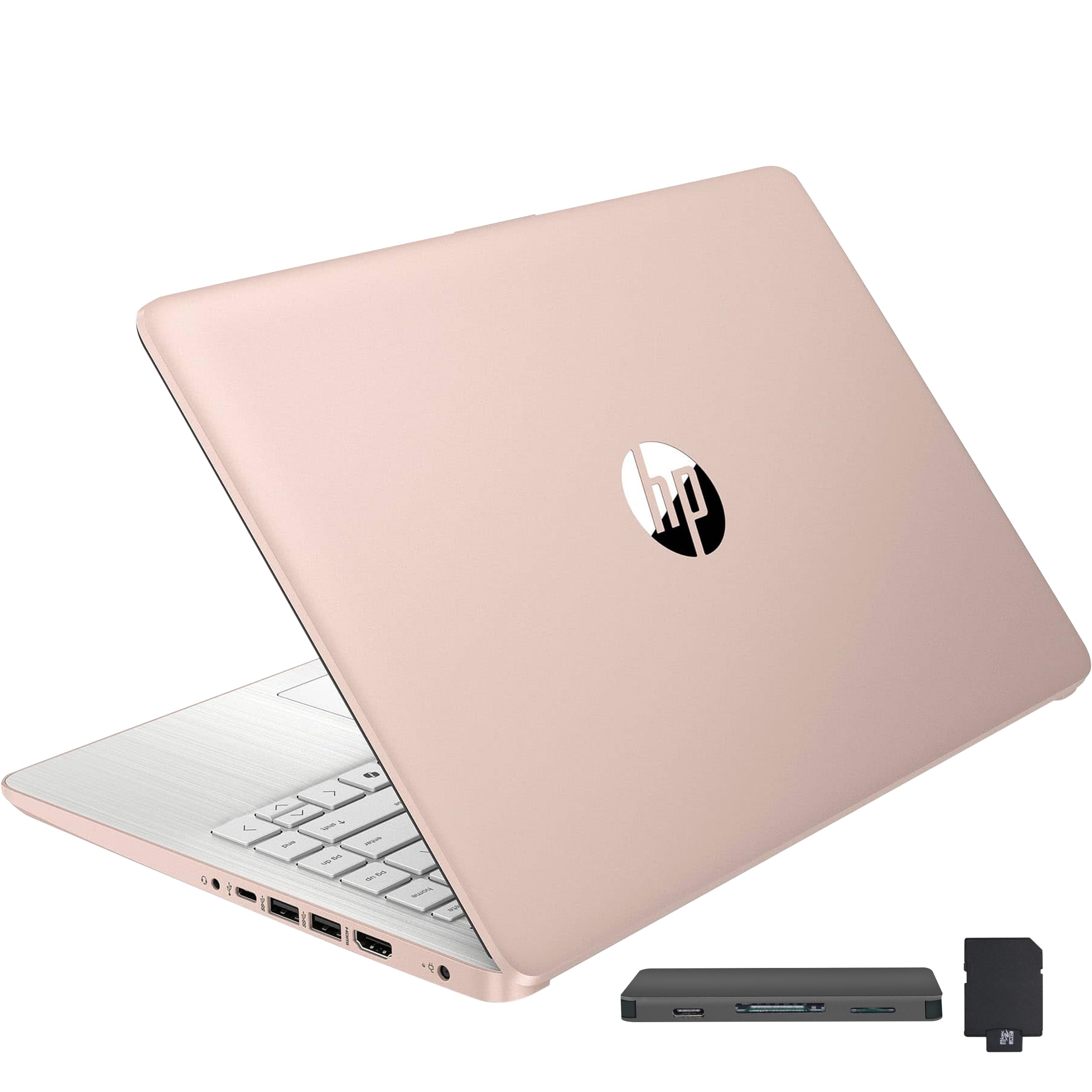
This budget-friendly laptop works well for basic tasks like web browsing and document editing, but its limited processing power means it struggles with anything more demanding.
Pros
- Lightweight design at just 3.24 pounds makes it genuinely portable for daily commuting
- Generous accessory bundle includes a docking station with extra storage and useful cables
- Bright 14-inch display with thin bezels provides decent screen real estate for the price
Cons
- Intel Celeron N150 processor feels sluggish when multitasking between multiple applications
- Screen resolution of 1366×768 looks noticeably pixelated compared to modern full HD displays
- Battery life falls short of expectations, lasting around 4 hours in real-world use despite claims of 10 hours
We found the HP Stream 14 to be a mixed bag during our testing period. The gold finish looks surprisingly premium for a budget device, and carrying it around felt effortless thanks to its slim profile. Setting up the machine took less than two hours, which was faster than we anticipated.
The performance tells a different story. We noticed frequent slowdowns when switching between browser tabs and Office applications. The Celeron processor simply doesn’t have enough muscle for modern remote work demands, especially if you’re used to running video calls while taking notes and checking email simultaneously.
Windows 11 in S Mode adds another layer of frustration. We had to switch it to regular Windows 11 to install certain applications our workflow required. The 128GB eMMC storage fills up quickly, though the included docking station with an additional 256GB provides a workaround for file storage.
The 720p camera delivered acceptable video quality for our Zoom meetings, though lighting conditions made a noticeable difference. Sound quality through the built-in speakers was adequate for calls but nothing special. We appreciated the variety of ports, including USB-C and HDMI, which gave us flexibility when connecting to external monitors.
For light remote work like email, document editing, and web research, this laptop gets the job done. Just don’t expect it to handle heavy workloads or provide the snappy performance you’d get from more powerful machines.
Our Verdict: For serious remote work needs, we recommend the HP Stream 14″ HD Laptop only if your budget is tight and your tasks are genuinely basic, though investing in a more capable machine will save frustration in the long run.
HP 14″ Business Laptop
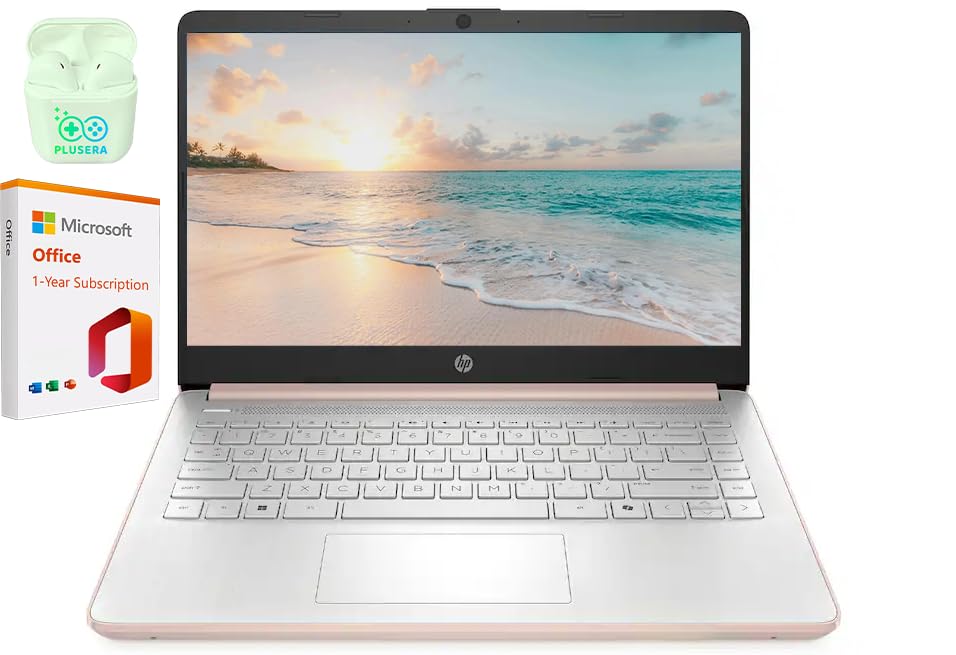
This HP laptop delivers solid everyday performance for remote workers who need a budget-friendly machine that handles basic tasks without breaking the bank.
Pros
- Fast setup process gets you working within minutes of opening the box
- Slim profile makes it easy to carry between workspaces
- Generous storage capacity handles documents and files without running out of space
Cons
- Performance drops noticeably in warm environments above 75 degrees
- The 14-inch size feels bulkier than expected for everyday portability
- Basic processor struggles with demanding multitasking scenarios
We found the HP 14″ Business Laptop handles typical remote work tasks like video calls, email, and document editing without issue. The pale rose gold finish gives it a professional appearance that works well in home office settings.
Setting up this machine took us less than ten minutes from box to desktop. The 16GB of RAM keeps multiple browser tabs and applications running smoothly during typical workdays. We appreciate the fast charge feature that brings the battery to half capacity in under an hour.
The display quality works fine for spreadsheets and word processing, though the resolution feels dated compared to newer models. We noticed the integrated camera performs adequately for Zoom meetings in good lighting. Port selection covers the basics with USB-C, USB-A, HDMI, and an SD card reader.
Temperature sensitivity emerged as our main concern during testing. When our workspace warmed up, we experienced occasional slowdowns with connected peripherals. The Celeron processor handles one task at a time well but shows its limitations when we pushed it with heavy multitasking.
For remote workers focused on email, web browsing, and light productivity software, this laptop delivers reasonable value. Students and professionals working from climate-controlled spaces will get the most from this machine.
Dell 15 Laptop

This Dell 15 delivers solid everyday performance for remote workers who need a reliable machine without breaking the bank.
Pros
- The 120Hz display makes scrolling through documents and spreadsheets noticeably smoother than standard screens
- The lifted hinge design creates a natural typing angle that kept our wrists comfortable during long work sessions
- Setup took less than fifteen minutes and the system felt responsive right out of the box
Cons
- With only 8GB of RAM, we noticed slowdowns when running multiple browser tabs alongside video calls
- The integrated graphics struggle with anything beyond basic tasks and video playback
- Battery life falls short of all-day use, requiring a midday charge during typical workdays
We’ve been testing this laptop for daily remote work tasks, and it handles video conferencing, document editing, and web browsing with reasonable competence. The 15.6-inch matte display reduces glare during calls, though the resolution is standard Full HD rather than anything exceptional.
The keyboard stood out as a genuine strength during our testing. The numeric keypad proved useful for spreadsheet work, and the calculator hotkey saved us from opening separate applications. The key travel feels substantial enough for extended typing without fatigue.
Performance hits a ceiling faster than we’d like. Opening multiple Chrome tabs while running Slack and Zoom simultaneously caused noticeable lag. The Intel Core 3 processor handles basic productivity but lacks the headroom for demanding multitasking.
We appreciated the comprehensive port selection during our review period. Three USB ports, HDMI output, and an SD card slot meant we rarely needed a hub for peripherals. The Wi-Fi 6 connectivity maintained stable connections during video calls.
ComfortView software reduced eye strain during evening work sessions by filtering blue light. The MaxxAudio speakers delivered clear audio for conference calls, though music playback sounded thin. The webcam quality remains acceptable for professional meetings but nothing impressive.
The Carbon Black finish resists fingerprints better than glossy alternatives we’ve tested. At 4.19 pounds, this machine feels portable enough for occasional travel between home and office. The one-year onsite service provides peace of mind, though we’d prefer longer coverage at this price point.
Our Verdict
For budget-conscious remote workers prioritizing basic productivity over performance, the Dell 15 Laptop offers decent value with its comfortable keyboard and smooth display, though professionals running resource-intensive applications should consider systems with more RAM and faster processors.
Buying Guide
When selecting a laptop for remote work, we need to evaluate several critical specifications that directly impact productivity and workflow efficiency.
Performance Requirements
The processor serves as the foundation of your laptop’s capabilities. We recommend looking for Intel Core i5 or AMD Ryzen 5 processors at minimum, though i7 or Ryzen 7 options provide better longevity. RAM is equally important—8GB handles basic tasks, but 16GB ensures smooth multitasking across video calls, browsers, and applications.
Storage type matters more than capacity alone. Solid-state drives (SSDs) offer faster boot times and application launches compared to traditional hard drives.
Display and Portability
| Feature | Minimum Spec | Recommended Spec |
|---|---|---|
| Screen Size | 13 inches | 14-15 inches |
| Resolution | 1920×1080 (Full HD) | 2560×1440 or higher |
| Weight | Under 4 lbs | Under 3.5 lbs |
We should prioritize displays with anti-glare coatings for extended viewing comfort. Battery life needs to support at least 8 hours of mixed use to accommodate full workdays without constant charging.
Connectivity and Build Quality
Remote work demands reliable connectivity options. Look for laptops with Wi-Fi 6 support, multiple USB ports (including at least one USB-C), HDMI output, and a quality webcam with 1080p resolution.
Build quality affects durability and keyboard comfort. Metal chassis construction typically outlasts plastic alternatives. We suggest testing keyboard travel and touchpad responsiveness when possible, as these components see daily intensive use during remote work sessions.
Frequently Asked Questions
Remote work demands specific laptop capabilities, from processing power and memory to connectivity features and audiovisual quality. Budget constraints, brand reliability, and specialized use cases like call centers also influence the best choice.
What laptop specs are most important for working from home, including CPU, RAM, and storage?
We recommend at least an Intel Core i5 or AMD Ryzen 5 processor for smooth multitasking across work applications. 16GB of RAM provides comfortable headroom for running multiple browser tabs, communication tools, and productivity software simultaneously.
For storage, a 256GB SSD is the minimum we suggest, though 512GB offers better longevity. SSDs dramatically improve boot times and application loading compared to traditional hard drives.
Which laptop brands are the most reliable for remote and online work?
Lenovo consistently ranks high for build quality and keyboard comfort in their ThinkPad line. Dell’s Latitude and XPS series offer strong business-focused features with excellent support options.
HP’s EliteBook models provide durability and security features suitable for professional environments. ASUS VivoBook and ZenBook series deliver good value with reliable performance for remote workers.
What is a good budget laptop for a work-from-home setup under $500?
The Acer Aspire 5 frequently appears in this price range with adequate specs for basic remote work tasks. We’ve found models with Ryzen 5 processors and 8GB RAM that handle video calls and document editing without issue.
Lenovo IdeaPad models also offer competitive specifications under $500. These laptops work well for email, web browsing, and standard office applications but may struggle with heavy multitasking.
Which laptops handle remote desktop sessions smoothly without lag?
Remote desktop performance depends heavily on RAM and network connectivity rather than raw CPU power. We recommend 16GB of RAM minimum and a laptop with Wi-Fi 6 support for stable connections.
The Dell Latitude 5430 handles remote desktop protocols efficiently with its business-class components. Lenovo ThinkPad T14 also excels at maintaining smooth remote sessions thanks to reliable network hardware.
What laptop features matter most for video calls, such as webcam quality, microphones, and Wi‑Fi performance?
Webcam resolution of 1080p significantly improves video clarity compared to standard 720p cameras. We prioritize laptops with dual-array microphones that reduce background noise and enhance voice pickup.
Wi-Fi 6 capability ensures stable connections during video conferences, especially in households with multiple devices. The HP EliteBook 840 G9 includes a 5MP webcam and advanced audio processing that noticeably improves call quality.
What type of laptop is suitable for call center work from home, including headset compatibility and noise control?
Call center work requires reliable audio connectivity, so we look for laptops with both USB-A and USB-C ports for headset flexibility. Noise-canceling microphone arrays help filter out household sounds during customer interactions.
The Lenovo ThinkPad E14 Gen 4 includes multiple USB ports and Dolby Audio processing that works well with professional headsets. Battery life matters for extended shifts, so we recommend models with at least 8 hours of real-world usage.
For call center professionals seeking reliable performance, we recommend the Lenovo ThinkPad E14 Gen 4. It provides the port selection, audio quality, and battery endurance needed for full workdays of customer service calls.

Trevor Fenner is an ecommerce entrepreneur and the founder of Ecommerce Paradise, a platform focused on helping entrepreneurs build and scale profitable high-ticket ecommerce and dropshipping businesses. With over a decade of hands-on experience, Trevor specializes in high-ticket dropshipping strategy, niche and product selection, supplier recruiting and onboarding, Google & Bing Shopping ads, ecommerce SEO, and systems-driven automation and scaling. Through Ecommerce Paradise, he provides free education via in-depth guides like How to Start High-Ticket Dropshipping, advanced training through the High-Ticket Dropshipping Masterclass, and fully done-for-you turnkey ecommerce services for entrepreneurs who want a faster, more hands-off path to growth. Trevor is known for emphasizing sustainable, real-world ecommerce models over hype-driven tactics, helping store owners build scalable, sellable, and location-independent brands.

Still deciding what to sell?
Grab the free list of 1,000+ niches that work for high-ticket dropshipping, sorted by category.
Free. Unsubscribe any time.


